Education
QuizGym
Write your own quizzes and train
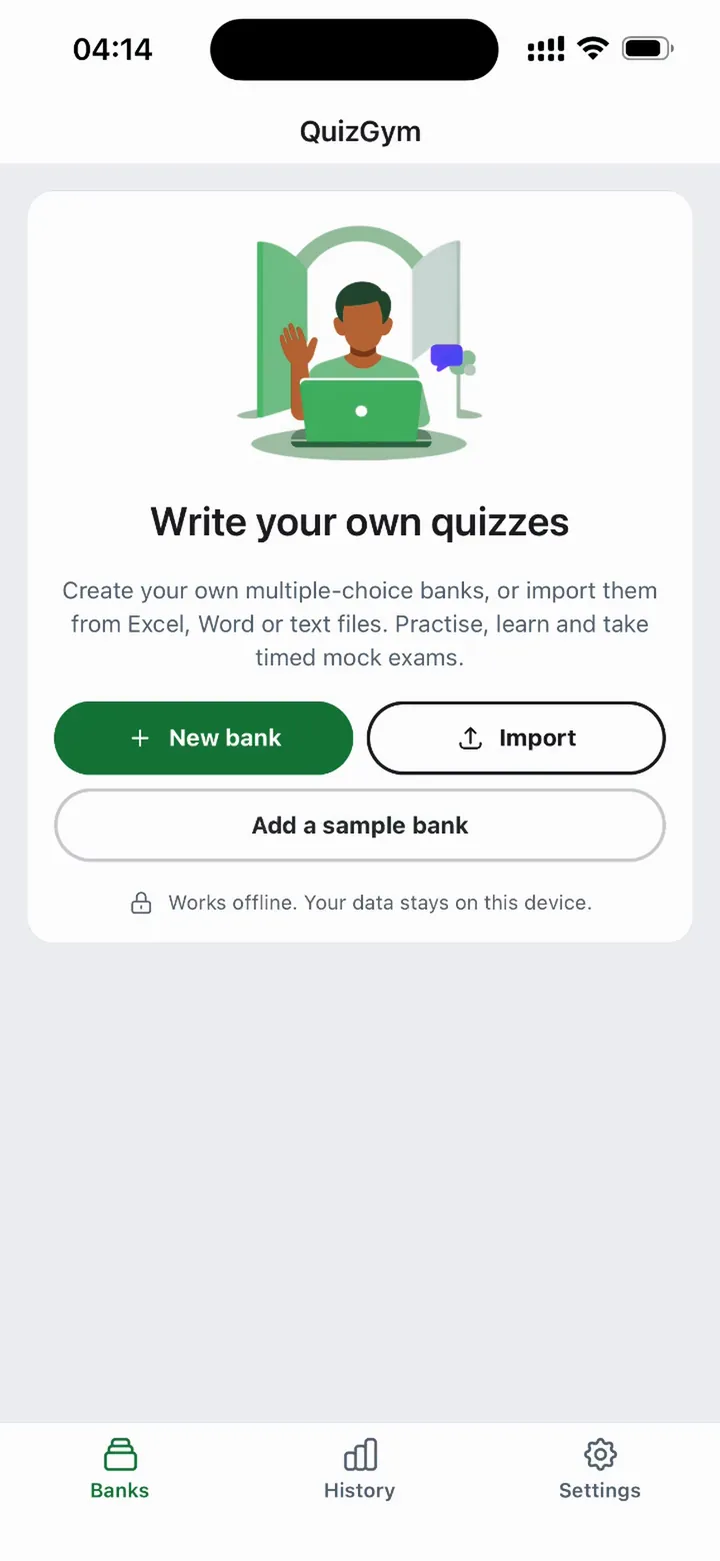
QuizGym turns the questions you already have into training. Write them in the app or import them from Excel, Word or text files, then train until you know every answer.
Pictures


What's inside
Write questions fast
Up to 14 options (A–N) per question, one or more correct answers, an explanation and topics.
Import what you have
Excel, Word, CSV, text, JSON, pasted text or a file link. Layouts like “A. … B. … ANSWER: B” are detected for you.
Four ways to train
Practice one by one, Learn in rounds of 10, Quiz and Review mistakes, and timed Mock exams with a pass mark.
Share with a key
Export an encrypted file that only opens with your key. Lock it so others can study but not edit or re-export it.
Translate on the device
Tap Translate to read a question in your language. Translation runs on your iPhone and needs iOS 18.
Private and offline
No account. Your questions, results and progress stay on your phone.
Quick start
- Open the app and tap “Add a sample bank” to get a bank right away.
- Or tap “New bank”, give it a name and tap “Create and add questions”.
- Each bank has its own pass mark and mock exam time, under “Edit name and pass mark”.